

Follow the instructions below to receive your custom UTM tracking link for the Logitech G522 LIGHTSPEED sponsorship campaign!
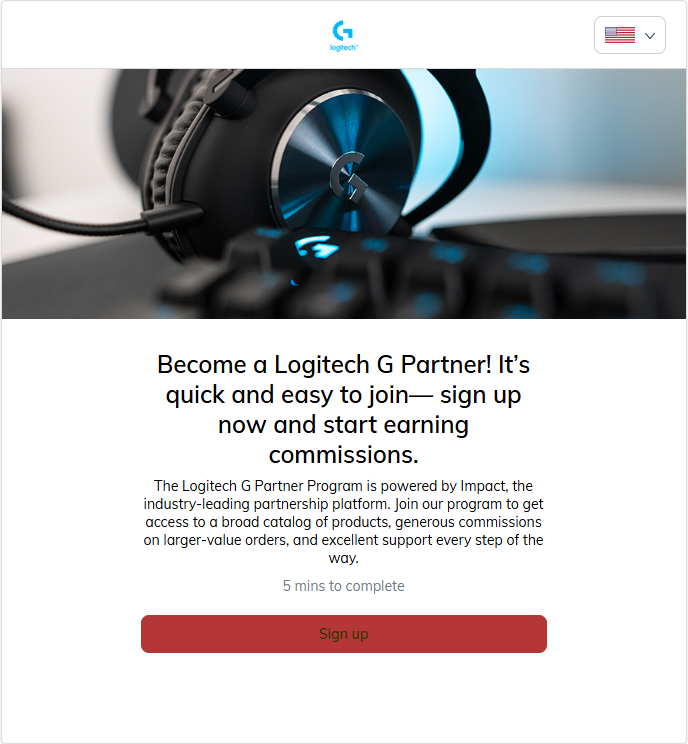
- Click here to open the Impact Radius site application for the Logitech G522 LIGHTSPEED campaign, then click Sign Up.
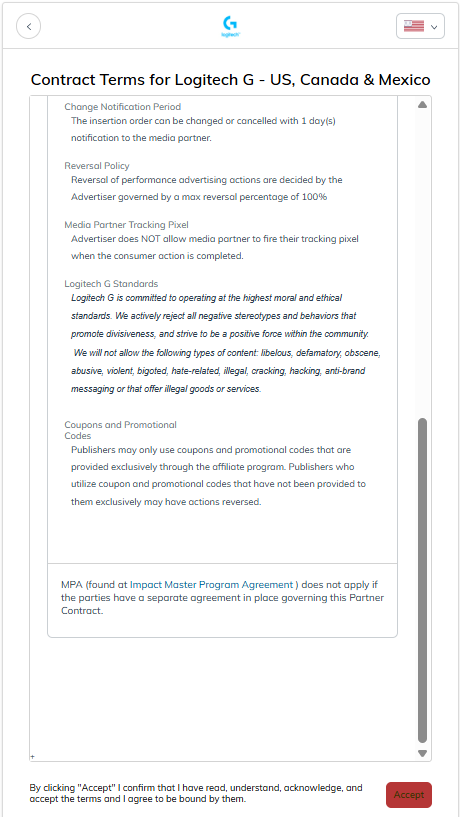
- Review and accept the contract terms.
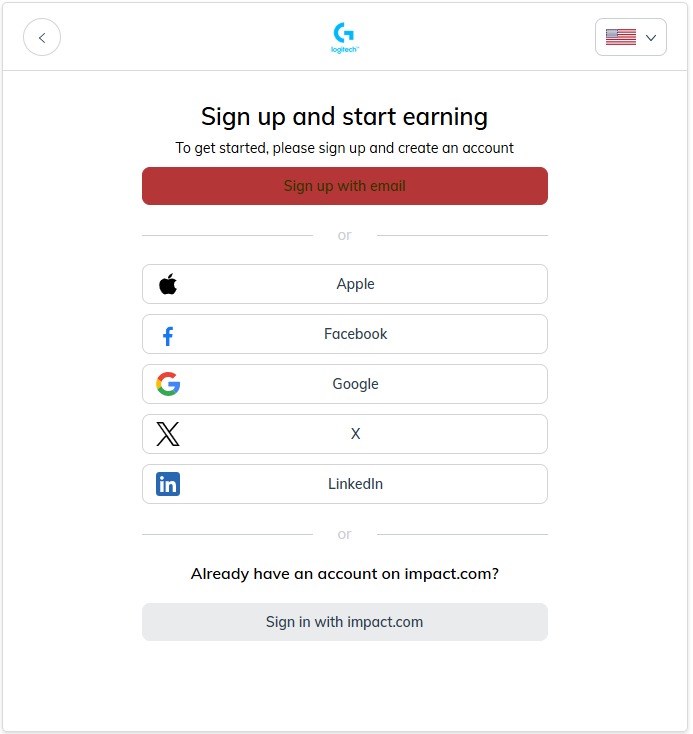
- Sign up with your preferred method or log in with an existing Impact.com account.
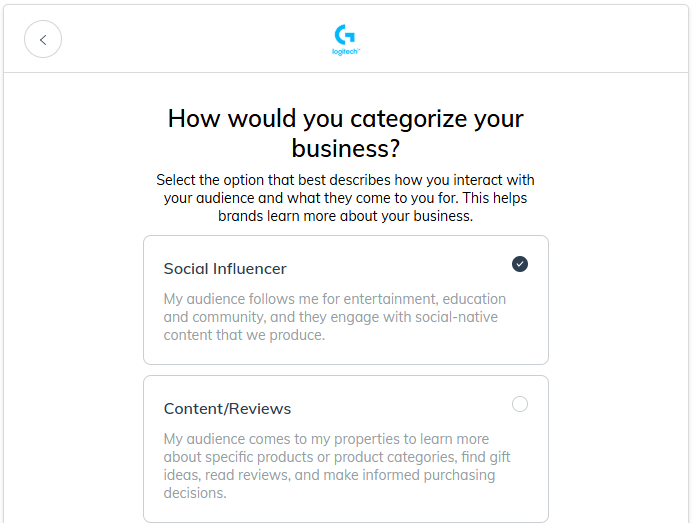
- Select Social Influencer as your business category.
- Connect your Twitch account (required) under Add Social along with any other social platforms you would like to connect to your Impact account.
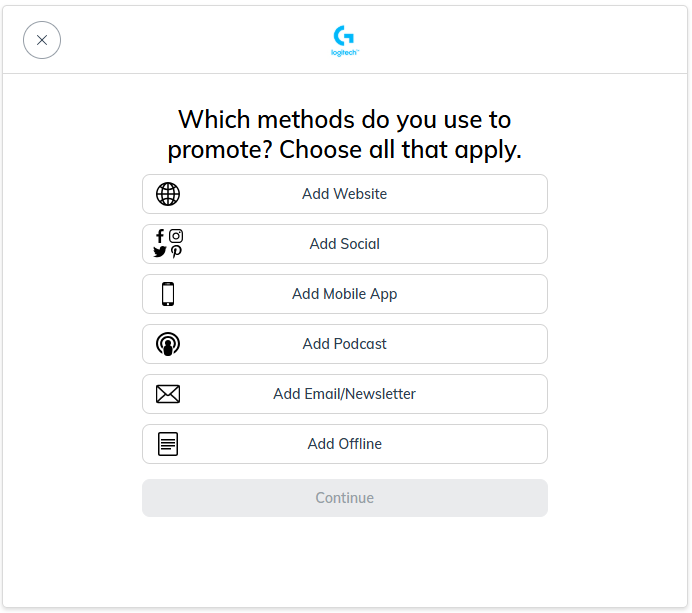
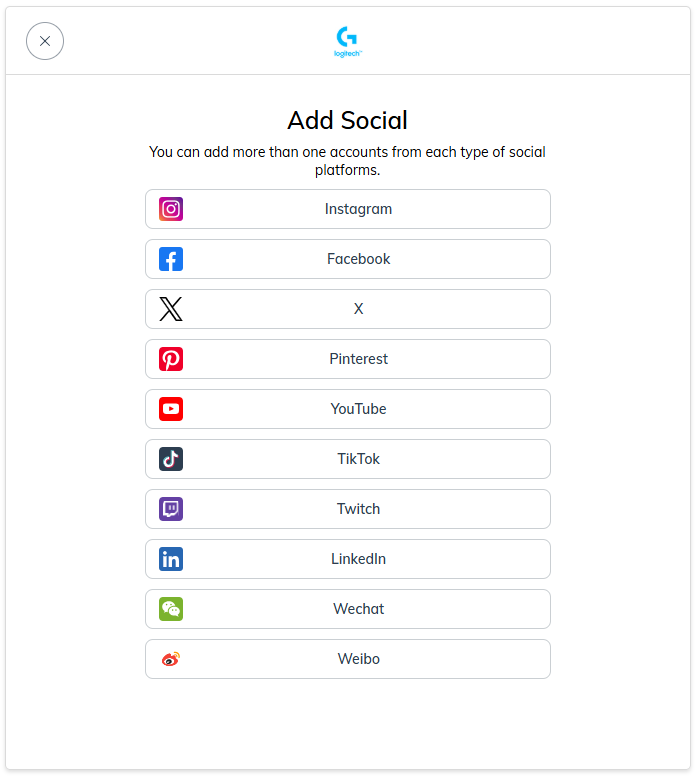
- Select Individual and complete the form.
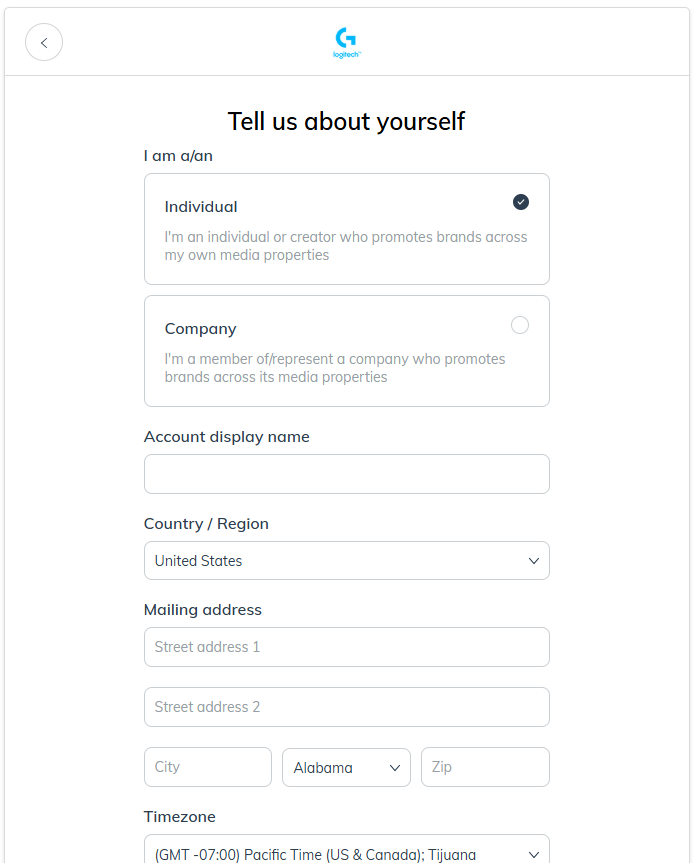
- Wait for your application to be approved. This may take up to 48 business hours. You will receive a welcome email after you are approved.
Once you have received your welcome email, it’s time to generate your custom UTM tracking link for use in your social posts and streams. To access your link:
- Log into Impact Radius and locate the module at the top left titled Create a link.
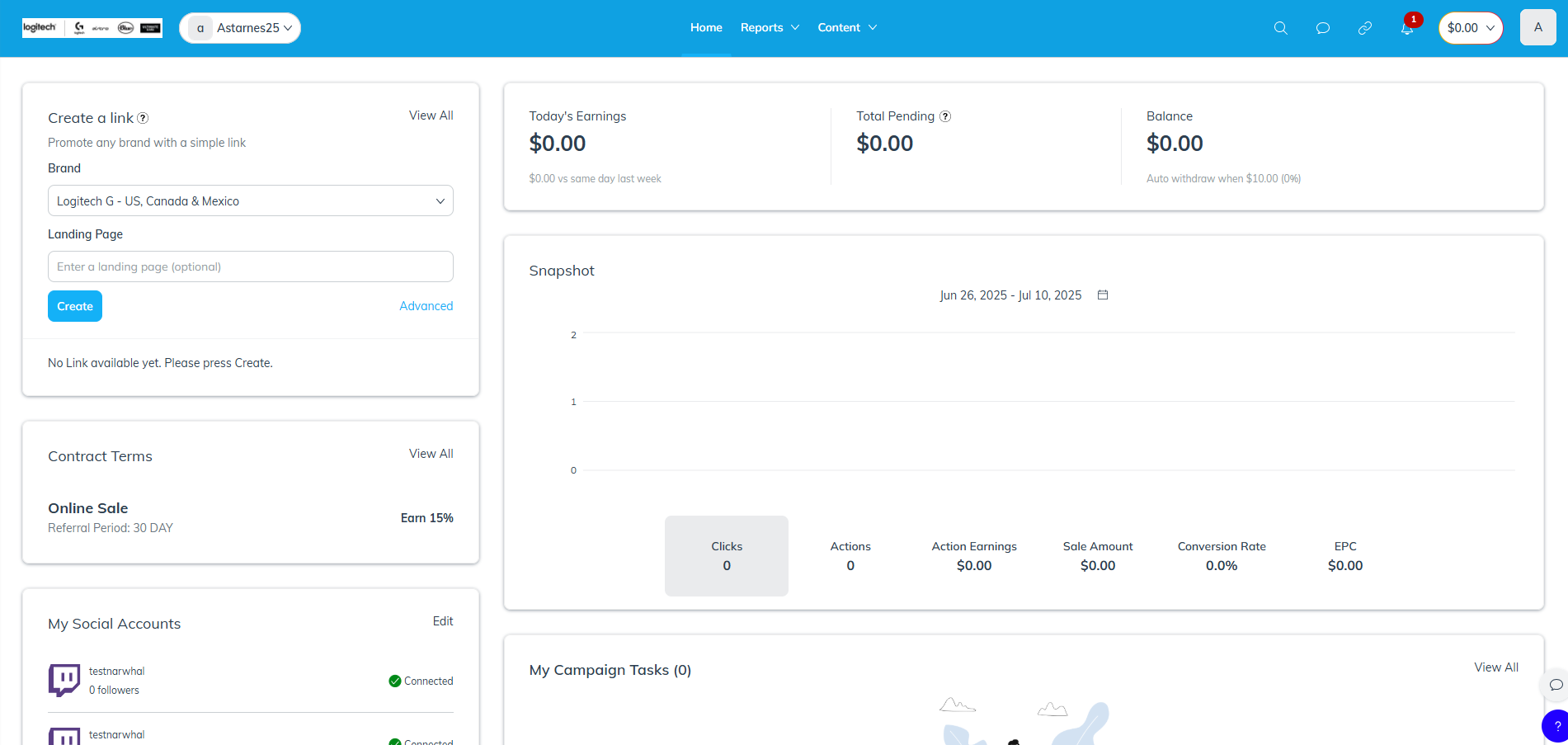
- Make sure Logitech G - US, Canada, Mexico is selected for Brand.
- For the Landing Page field, input this link: https://www.logitechg.com/en-us/products/gaming-audio/g522-lightspeed.981-001491.html
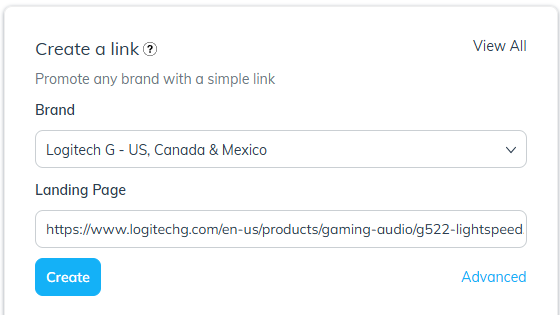
- Click Create to generate your link.
- Grab the custom link by using the Copy button and use it as outlined in the campaign!
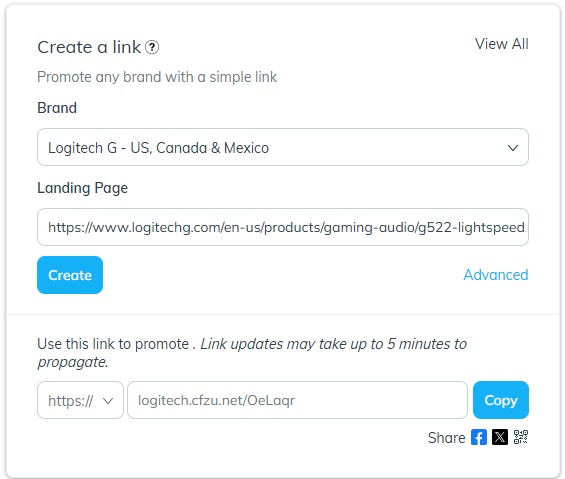
NOTICE: If you do not generate and use this custom link, you will not get credit for conversions you generate.
If you run into any issues or have any questions, please submit a ticket here.
0 Comments